64%
Improvement in compliance consistency with recurring audits, assigned forms, and automatic reminders that keep every step on track.


Use digital forms, checklists, and audits to manage tasks, track completion, and keep every team accountable and on track.
.png)
Effortlessly manage tasks, checklists, and audits with flexible tools that boost efficiency, ensure accountability, and keep your team on track.
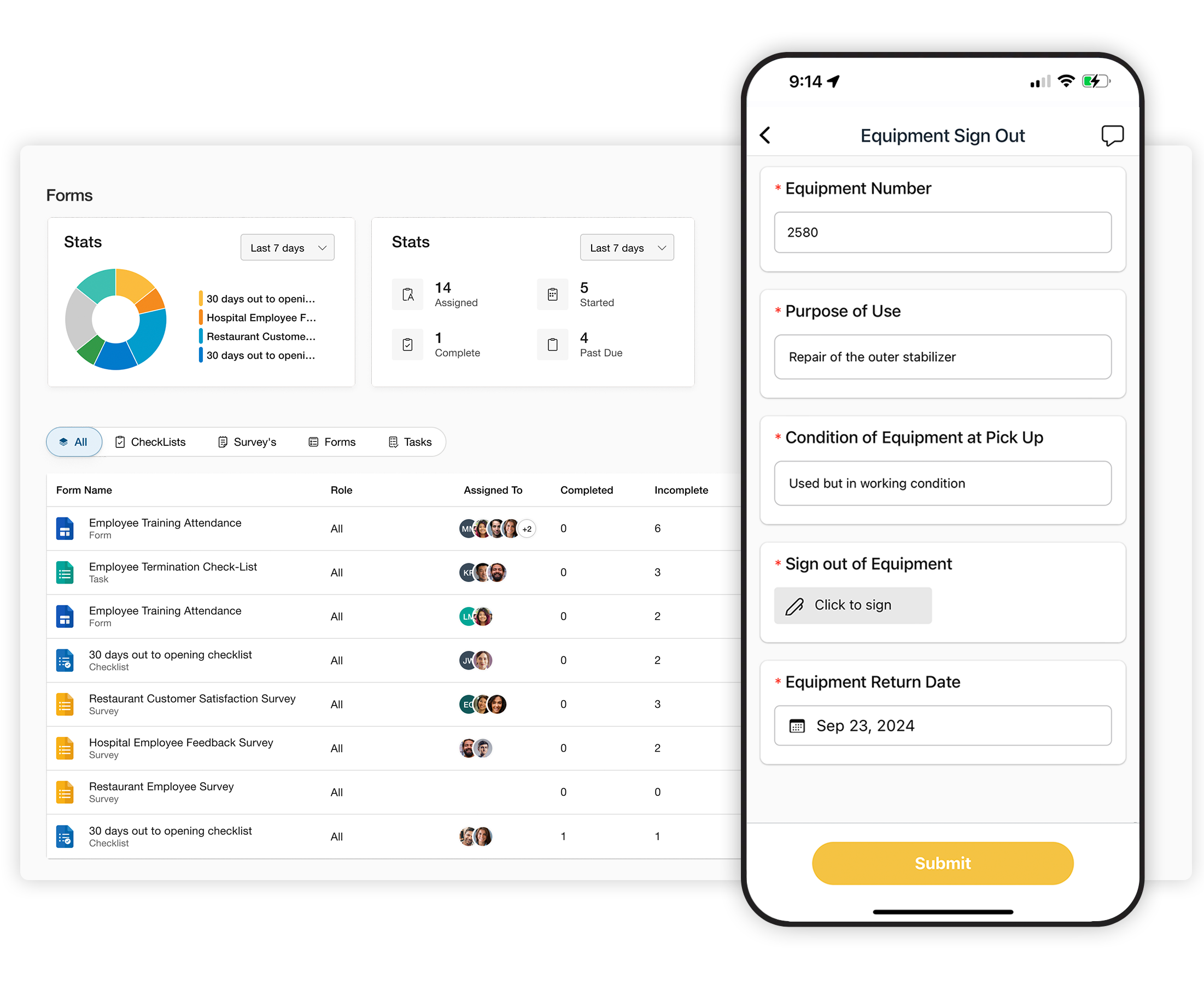
Use digital forms, checklists, and audits to manage tasks, track completion, and keep every team accountable and on track.

Create tasks, digital forms, and checklists, then manage them with built-in forms software, scheduling, and tracking tools.
Pre-Made Templates & Customization: Start from scratch or with ready-made templates. Customize forms, set required fields, and collect signatures.
Assign and Manage: Assign forms to shifts or employees, or let your team create and complete their own checklists.
Track Progress: Add comments, set due dates with reminders, and monitor form status in real time.
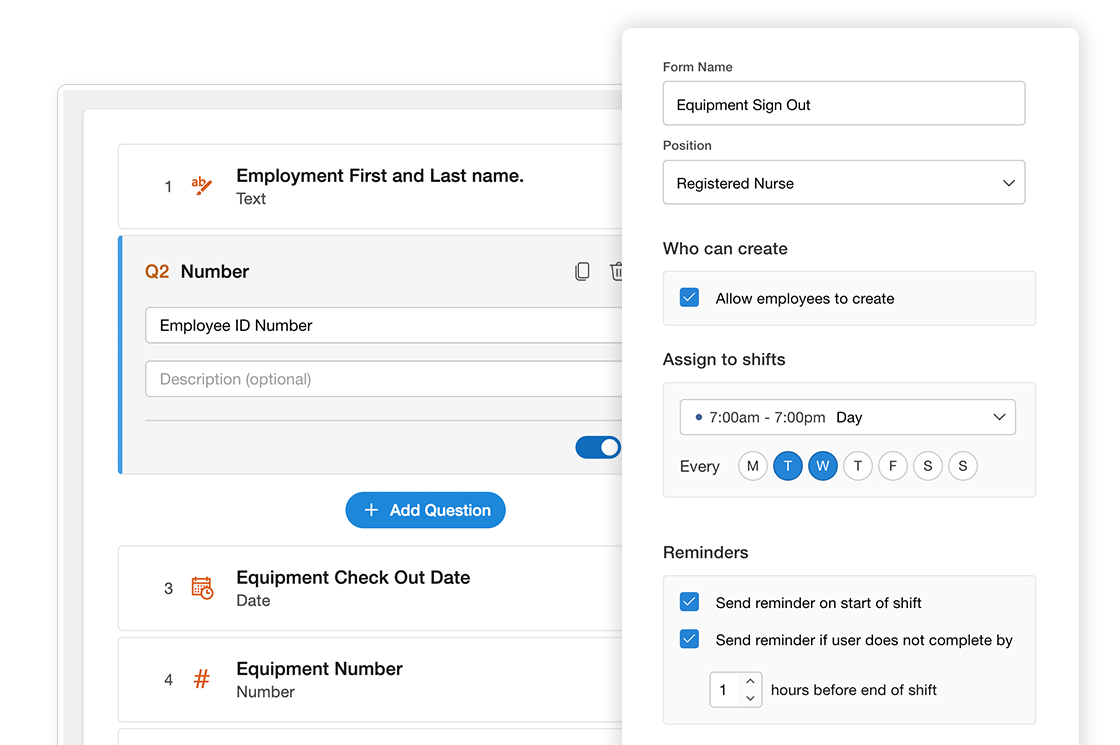

Run detailed audits on everything from employees to equipment using flexible audit checklists and reporting.
Audit Anything: From employees to equipment, conduct thorough audits tailored to your needs with powerful reporting.
Flexible Assignment & Reminders: Assign audits to shifts, set reminders, and ensure they’re completed on time with automated notifications.
Built for Accountability: Require signatures, track progress, and add comments to maintain transparency and compliance throughout the process.
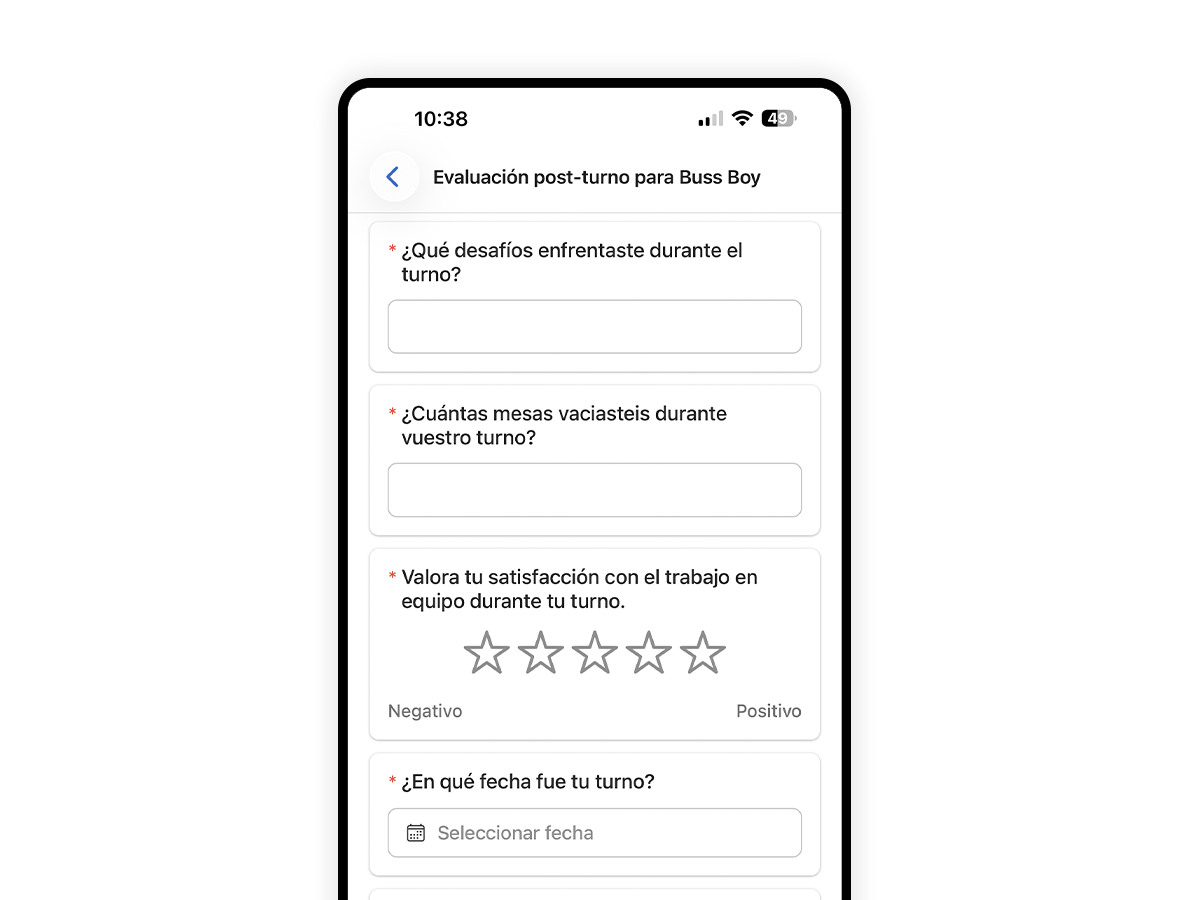
Automatic Form Translation: When employees use the app in Spanish, existing forms and audits appear in Spanish automatically.
Clearer Responses in the Field: Help staff understand questions more easily so they can complete forms with more confidence and fewer mistakes.
No Duplicate Workflows: Keep one forms and audits process for your whole team while supporting both English and Spanish.
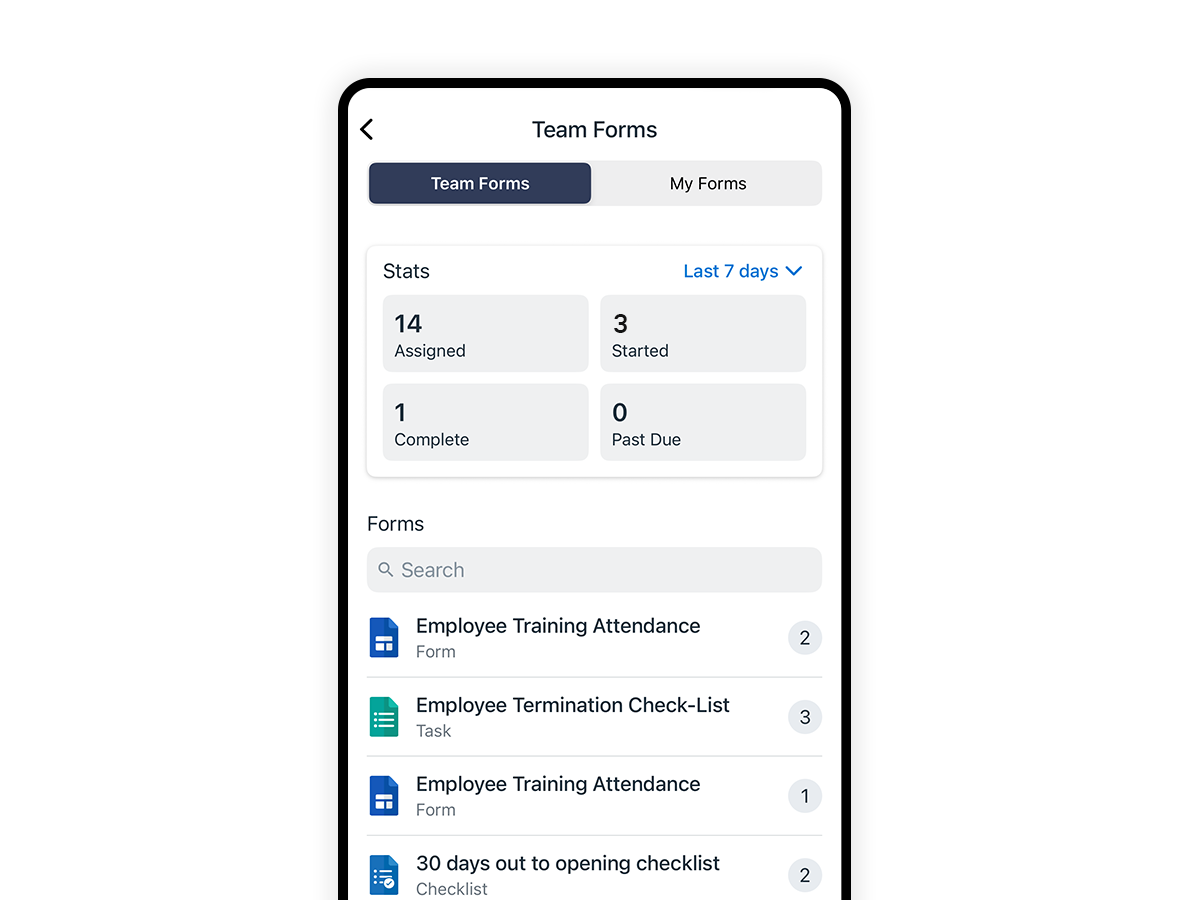
Instant Assignments: Assign digital forms or audits to any team member or location from your phone to keep operations moving.
Live Submission Tracking: Monitor form completions in real-time, ensuring all critical safety and compliance tasks are finished on schedule.
Mobile-First Reporting: Enable staff to complete audits and upload documentation directly from the field for faster, more accurate reporting.
Deploy integrated forms and audits to streamline your workflows, maintain quality standards, and ensure your workforce remains fully compliant.
Start nowCustomer Story
“The auditing and reporting tools have been a game-changer for our hospital. They simplify compliance, streamline the process, and help us maintain high standards with minimal effort.”

Elaine Foster
Manager at Riverside Hospital.

Teamsly is flexible enough for daily checklists, safety and cleaning inspections, incident reports, opening and closing procedures, training sign-offs, and full location audits. If you can do it on paper today, you can build it as a digital form or audit in Teamsly.
Forms and audits can be assigned to specific employees, roles, or shifts with due dates and recurrence rules. Assignees get notifications on mobile, and managers can see what’s coming up, what’s late, and who still needs to complete their work.
Yes. Team members can complete checklists and audits from the Teamsly mobile app, adding photos, notes, and signatures right from the floor. This keeps records accurate and ensures tasks are done where the work is happening, not later from memory.
Every submission is time-stamped, tied to a user, and stored in a central history so you can quickly answer “who did what, when, and where.” You can pull up past checklists for regulators, export data for detailed reviews, and prove that your procedures were followed over time.
Yes. Managers can see completion status by location, team, or form type, spot recurring issues, and export results to CSV or PDF for deeper analysis. This makes it easy to identify problem areas, measure improvement, and show leadership the impact of your standards.
Most teams build their first forms and audits in a single afternoon. Start with a template, make a few edits, assign it to a test group, and you’ll be collecting usable data the same day—no IT project or coding required.
Try teamsly free for 30 days
.png)